
%402x%20(5).svg)
Cart
(
)
At Eidos Photography, we believe in complete transparency. When you book a session with us in Rome, you might notice an option to upgrade your experience to "Medium Format" using our flagship Hasselblad X2D II.
This is not just a technical specification; it is an artistic choice that fundamentally changes the "look" of your images and the "pace" of your session. This guide is written specifically for you—our clients—to help you decide if this premium tool aligns with your vision. We aren’t here to sell you specs; we are here to explain the tangible difference in your final gallery and ensuring you know exactly when this camera shines, and when it’s better to stick to our high-speed Full Frame systems.
The most common question we get is: "Will I really see the difference?" The short answer is yes, but it’s subtle and sophisticated.
While modern Full Frame cameras are incredible, the medium format sensor in the X2D II is significantly larger. For you, this translates into three visible qualities in your gallery:
Do you envision a slow-paced, editorial session with magazine-quality results? Contact us today to discuss adding the Hasselblad experience to your Rome itinerary.
One of the key features of the X2D II is the Hasselblad Natural Colour Solution (HNCS) HDR. It is important to clarify what this is, as it differs from the "HDR" look you might know from smartphone apps.
Hasselblad’s HDR isn't about creating an artificial, overly bright image. Instead, it is a sophisticated processing method that:
Important Note: This feature works on RAW, HEIF, and JPG formats, and we can toggle it on or off in the Quality menu depending on the lighting conditions.


Here is where we need to be realistic about technology. While the camera captures incredible HDR data, you need a compatible device to see it.
HDR (High Dynamic Range) does not look the same on every screen.
Device Dependency: To see the expanded P3 colors and the true dynamic range, you need a display that supports it—such as a modern iPhone (with Super Retina XDR), an iPad Pro, or a MacBook Pro with XDR display.
Software Matters: The way the image looks depends on how you import it. As stated in the official FAQs, the preview might vary based on whether you use Apple Photos, the version of your operating system (macOS/iOS), and the transfer method.
If you view these images on an older laptop or a standard office monitor, you might not see the full spectrum of color and light that the camera actually captured.
We love the Hasselblad X2D II, but it is not the right tool for every scenario. In fact, for certain popular Eidos packages, we strongly recommend our high-speed Full Frame Sony cameras instead.
Avoid the Hasselblad if:
The X2D II is a massive leap forward in usability, but it still follows the laws of physics.
Focus (AF-C & Tracking): The camera features Autofocus Continuous (AF-C) and subject detection. It can track humans, vehicles, and even cats or dogs. However, please note that AF-C is not available with all lenses. It works with a specific list of XCD lenses and requires the latest firmware. For our sessions, we carefully select the lenses that support these features to ensure we get sharp photos of you walking or moving gently.
Stabilization: The camera boasts an impressive 10-stop in-body image stabilization (IBIS). This suggests we can shoot at slower shutter speeds without a tripod. However, as the technical guides emphasize, this is a reference value. Real-world sharpness depends on the lens focal length and how steady the photographer’s hand is. While it helps us shoot in lower light (like Blue Hour), it doesn't mean we can break the rules of photography entirely.

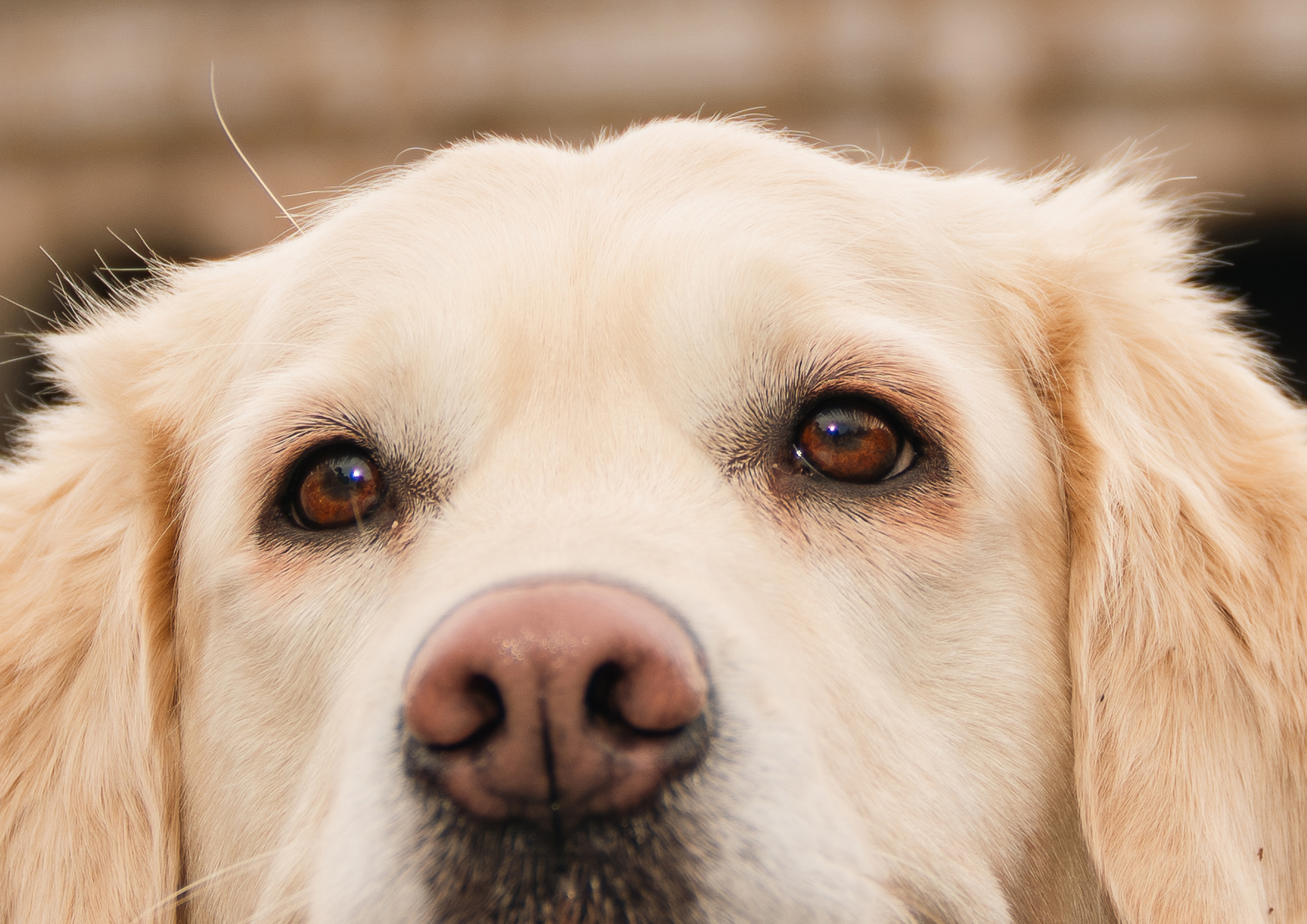
The “Hasselblad Look” is shaped not only by the 100-megapixel sensor, but also by the lens. The X2D II is designed for native XCD lenses, which provide the most complete integration with the camera. However, it can also use adapted lenses. Hasselblad’s official XH Lens Adapter allows HC and HCD lenses from the H System to be mounted on X System cameras.
The X2D II’s in-body image stabilisation also works with adapted lenses when the correct focal length is entered manually in the camera settings, supporting focal lengths up to 499mm. However, not every feature is available with every adapted lens: functions such as AF-C continuous autofocus and in-camera lens corrections have more limited compatibility and currently favour selected XCD lenses.
For our Rome portrait sessions, we primarily use native XCD lenses because they provide the most reliable autofocus, full camera integration, and consistently high image quality. This is a workflow choice—not a limitation preventing the X2D II from using HC, HCD, or other adapted lenses.

1. What tangible difference will the X2D II make in my final gallery? You will notice richer color depth, smoother skin tones, and a "medium format" 3D pop that separates the subject from the background more beautifully than standard cameras. The images also have incredible resolution, allowing for massive prints without quality loss.
2. What is HNCS HDR and will it look right on my phone? HNCS HDR expands the color gamut to P3 and balances highlights and shadows for a more dynamic look. However, display varies by device. It looks best on Apple devices with XDR screens (iPhone 12+, MacBook Pro 2021+). On older screens or non-HDR monitors, the difference may not be visible, or the image might look slightly different depending on the app you use to view it.
3. In which conditions does HDR not work? We cannot use the HDR feature in all settings. It is not supported in Continuous Drive mode, Exposure Bracketing, Focus Bracketing, or Manual (M) mode. We will switch it on only when the shooting conditions allow for it.
4. Is the autofocus fast enough for families? It depends on the family. The X2D II has Face Detection and Object Tracking (Human), but it is slower than a sports camera. It works best with specific XCD lenses. For families with older children or couples, it is perfect. For toddlers who never stop running, we recommend our standard Full Frame gear.
5. Does the 10-stop stabilization mean perfect night shots without a tripod? It significantly helps, allowing us to capture more ambient light during Blue Hour without shaking. However, "10 stops" is a theoretical maximum. Sharpness still depends on the focal length of the lens and the stability of the photographer. We use it to enhance natural light, not to replace good technique.
Ready to elevate your Roman holiday? Book a professional photography session in Rome and ask us if the Hasselblad X2D II is the right fit for your custom photo tour.


%402x.svg)
%401x.svg)
%402x%20(5).svg)
